Skills OpenKnowledge ships
What each built-in skill does, and how to install or remove it.
OpenKnowledge ships skills that teach an AI how to work with OpenKnowledge itself. Installing them into your editors is optional and requires your choice. In-app agent threads receive the project guidance automatically, as described below.
| Skill | Use it to | Where |
|---|---|---|
open-knowledge-discovery | Help an AI recognize an OpenKnowledge project and set a new one up. | Settings → User |
open-knowledge-write-skill | Have an AI draft and install a new skill. | Settings → User |
open-knowledge | Teach an AI to read, search, link, and write through this project's tools. | Settings → This project |
User scope
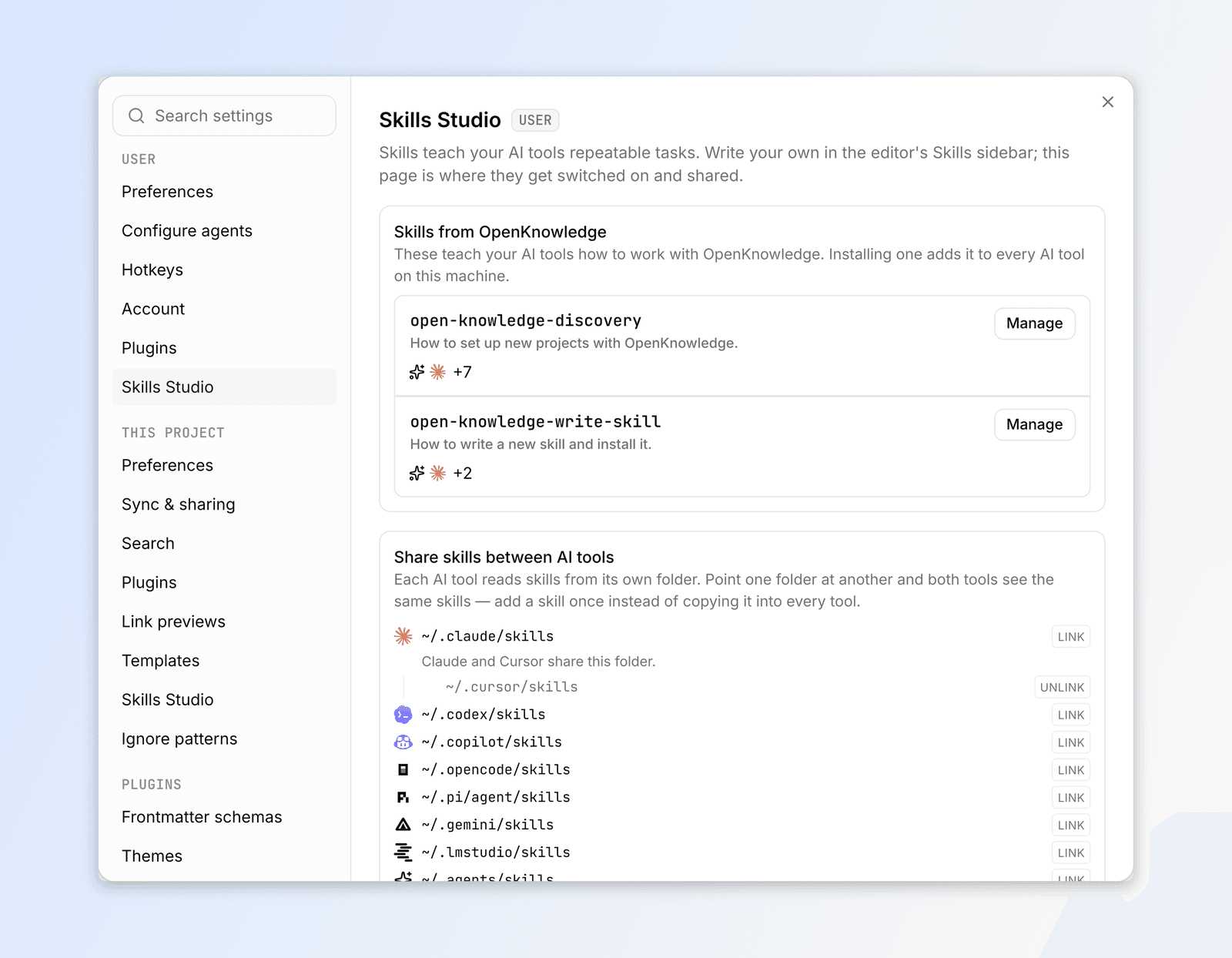
- Install adds the skill to every AI tool detected on this machine. Uninstall removes it again, and touches nothing you wrote.
- Manage opens a read-only preview of the full
SKILL.md. - Update appears when a newer copy exists. Built-ins never update on their own.
Only the discovery skill is offered at first launch; the authoring one is offered once, and declining is remembered.
Project scope

The open-knowledge skill installs into the project's own skill folders, which are not committed by default. A teammate who clones the repository installs it themselves.
Agents started inside OpenKnowledge receive the project skill on the first non-command message of each new in-app agent session. This uses a runtime copy under .ok/local/ and leaves editor skill folders unchanged. Gemini receives the top-level skill text inline; its file tool cannot read the gitignored references/ files. Other agents receive a path to read the skill and its references.
From the CLI: ok init --skills discovery,write-skill selects built-ins during setup, ok init --no-skills skips them.