OpenKnowledge

Skills

Create, import, version, and install Agent Skills across your editors from one OpenKnowledge source.

A skill in OpenKnowledge is content, not a config file: authored or imported in the WYSIWYG editor, versioned with your base, and installed into every editor from one source.

Edit skills like docs

A project skill is not a raw text file you hand-edit in a dotfile. It is a document in your base: written in the same WYSIWYG editor, versioned, with the same backlinks and live preview as the rest of your knowledge. Improving a skill is the same flow as improving any page.

One source, every editor

A skill is a real folder in your agent's skills directory — .claude/skills, .cursor/skills, .codex/skills, .opencode/skills, or the vendor-neutral .agents/skills hub. OpenKnowledge keeps one real folder per skill name and mirrors it into your other editors. A new location is a symlink to that source by default, since it duplicates no bytes and cannot drift; you can convert any location to an independent copy when you want one, and a new location otherwise follows the form the skill's existing locations already use. Edit the source once and every agent has the change.

Create, import, and install skills

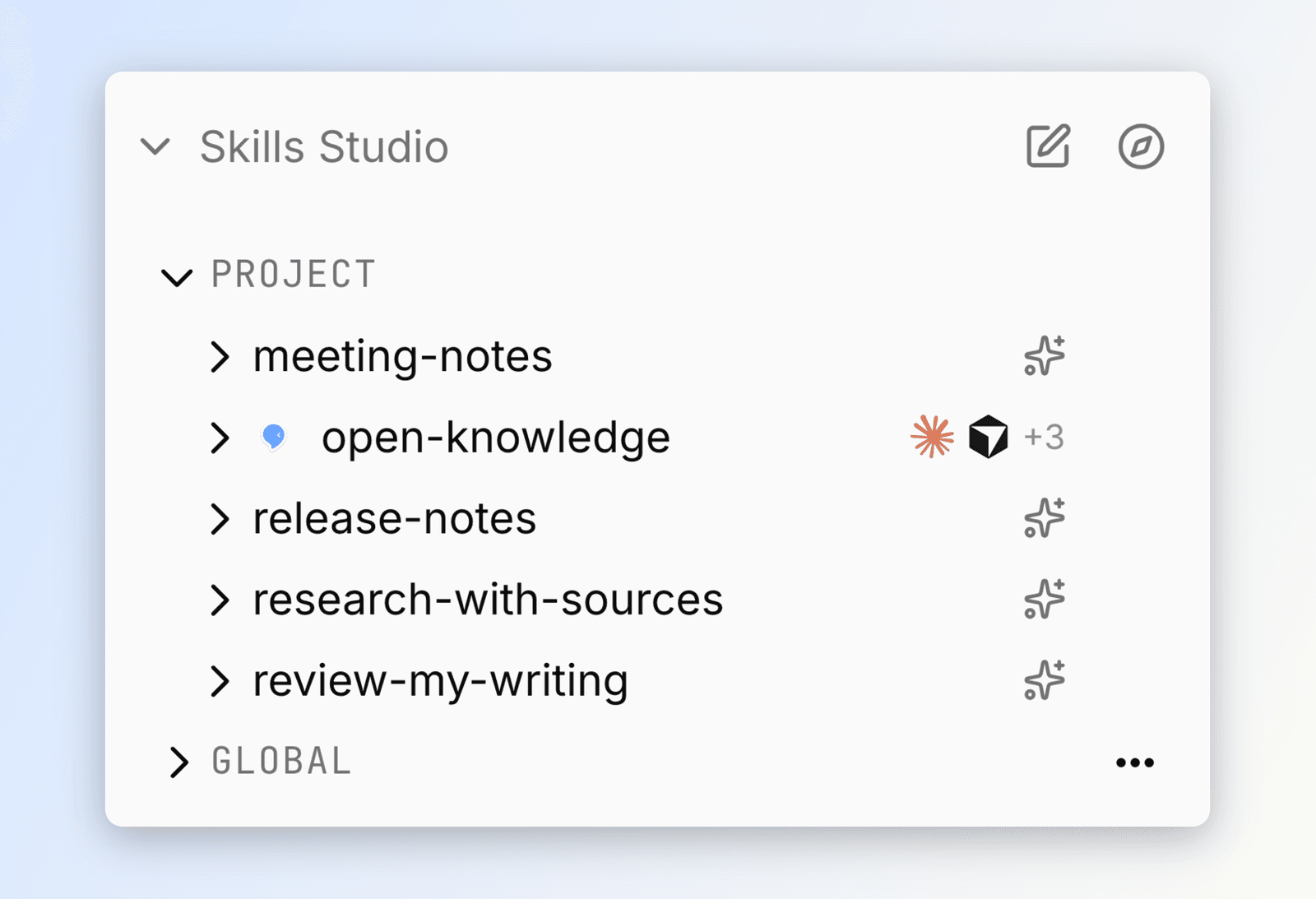
Open the Skills tab to add skills three ways:

  • Explore searches skills.sh, previews a skill before it lands in your base, and imports it with one click.
  • Upload imports a skill from skills.sh, GitHub, a git URL, a local path, a .zip / .skill archive, or a folder containing SKILL.md.
  • New asks for a name (the id agents use to invoke it) and a description (what agents match on to decide when to use it), then opens the new SKILL.md as an editor tab. The scope comes from the section you create it in.

Agents use the same marketplace flow over MCP: skills({ query: "..." }) searches skills.sh, then import({ source, skill: name }) imports the selected result.

A skill is live for its agent the moment it lands — there is no separate "install" step to flip. The skill's install menu instead controls where it is available: add or remove editors, flip any editor between a copy and a symlink, or relocate the canonical source. If a source bundles several skills, OpenKnowledge asks which one to import; scripts are stored as versioned content for review and never run during import. Settings → Skills lists this project's and your user-level skill folders, and lets you point one editor's skills folder at another's. Per-skill reach lives in each skill's install menu.

A skill can also bundle references/ and scripts/ files beside its SKILL.md; agents read those through the skills MCP tool.

Two scopes

  • Project skills live in the base, versioned and shared with it like any other content.
  • Global skills live in your home editor dirs (~/.agents/skills, ~/.claude/skills, …) and follow you across every project on your machine. Outside any base, they carry no version history.

The skill that makes an agent behave well the moment you connect it (read and write through the tools, cite sources, keep the link graph healthy) is neither: open-knowledge is built into the product and never appears in your skills list.

Moving a skill between scopes re-creates it in the destination scope: history does not transfer, but the locations it occupied are re-projected for you.

Skills from your other tools

Skills you already keep in .claude/skills, .cursor/skills, and the like are versioned in place, automatically — OpenKnowledge reads and versions them where they live. There is no store to opt into and no ok skills manage switch.

The Skills sidebar lists what OpenKnowledge found across your other tools: the Claude, Codex, Cursor, OpenCode, Copilot, Pi, and Agents skill dirs, plus Claude plugins. They appear as Detected rows. Click one to edit it in place; changes save straight to that editor's own copy. From the CLI, ok skills installed lists every skill across your agents (read-only) and ok skills import <source> brings a new one in.

Skills are an open standard, and a skill can carry scripts that run on your machine. Treat a third-party skill like installing software. Use trusted sources, and read what it does first.

Staying up to date

An imported skill records where it came from, so its toolbar can show an Update from source action when upstream moves.

Updates from a remote source (skills.sh, GitHub, a git URL) are not applied automatically. A skill's instructions run in your agent, so continuing to trust a publisher is an explicit, per-skill opt-in: the Auto-update toggle starts off, and until you turn it on you get a diff to review before anything is rewritten. Skills imported from a local path on your own machine stay in sync by default, since the source is already yours.

Skills we publish

OpenKnowledge's own skills are published at inkeep/open-knowledge-skills, and they install like any other Claude Code plugin marketplace:

/plugin marketplace add inkeep/open-knowledge-skills
/plugin install open-knowledge@open-knowledge-skills

open-knowledge is the platform skill that teaches an agent to read, search, link, and write markdown through the MCP server. The starter packs ship there too, and ok seed --pack <id> installs a pack's skills directly.

The repo is grouped by role: skills/core/ holds the three built-ins, and skills/starter-packs/<pack>/ holds each pack's skills next to a README explaining the pack. Each pack is also its own plugin, so you can install just the one you want:

/plugin install knowledge-base@open-knowledge-skills
/plugin install personal-crm@open-knowledge-skills

Pack skills were renamed: the generated open-knowledge-pack-… names became product names, so open-knowledge-pack-plain-notes is now note-taking and open-knowledge-pack-knowledge-base-research is now research-with-sources.

Skills you already have are not renamed. Nothing on your disk changes and your .ok/skills-lock.json is not rewritten — these are project-level skills that normally live in your git repo, so a silent rename would show up as an unexplained diff for you and everyone who pulls. An existing skill keeps its name, keeps working, and still updates from source. Re-seeding a pack recognizes it and will not install a second copy under the new name. Only newly installed skills use the new names.

Four plugin handles were renamed alongside their packs (entity-vaultpersonal-crm, okfokf-knowledge-base, plain-notesnote-taking, writing-pipelinewriting-workflow). The old handles still resolve for one release and are marked outdated in the marketplace; switch to the new ones. ok seed --pack <id> flags are unchanged.

Up next

  • Agentic search: how the agent reads your base.
  • LLM wiki: build a source-grounded knowledge base an agent curates, end to end.